Overview
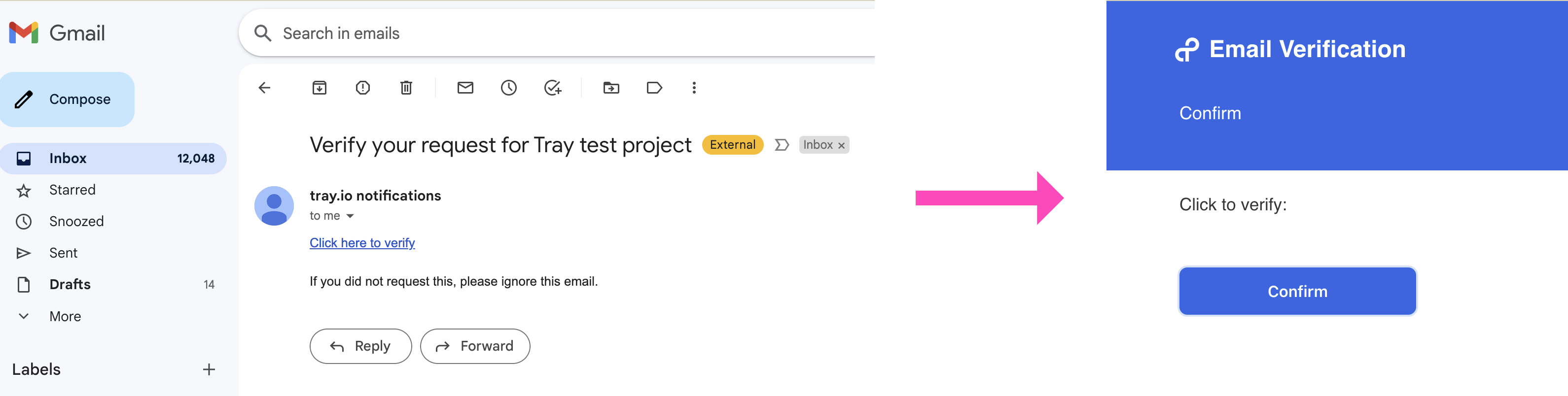 This template will enable you to set up a secure email verification system to allow you to verify a user before they make a Tray form submission.
How to set up
Workflow 1 (Form trigger)
Please customize the form as needed:
- Leave the Email field in the trigger as is.
- The Form Title should be updated in the config data rather than in the Form Trigger properties panel, as it is used in other steps in the process.
- You will also need to update the Send Email step with the following information:
- Update the Subject
- Add your own content in the first paragraph of the email referencing the form submission
- Do not change any other data in this step, else the verification process will not function correctly.
- Copy and paste the form trigger URL into the 'value' for
request-formin the project config data
Workflow 2 (Webhook trigger)
-
Copy and paster the webhook trigger URL into the 'value' for
webhookURLin the project config data. -
Update the confirmation message in
text-helpers-6as required -
Add the desired action upon successful verification where
storage-4is located in the workflow. Once added, you may removestorage-4as it is a placeholder
Testing your setup
To trigger a run of the complete process, copy the Form URL from Workflow 1, and paste into a new tab in your browser.