Prerequisites
Master and user tokens
All endpoints require either a master token or a user token passed as a bearer.
When using a Master token, you are the one taking actions (getting connectors, getting operation schemas etc.).
When using a user token, your end users are performing the actions (creating an auth, calling a connector etc.)
User tokens are generated using the Create User token mutation
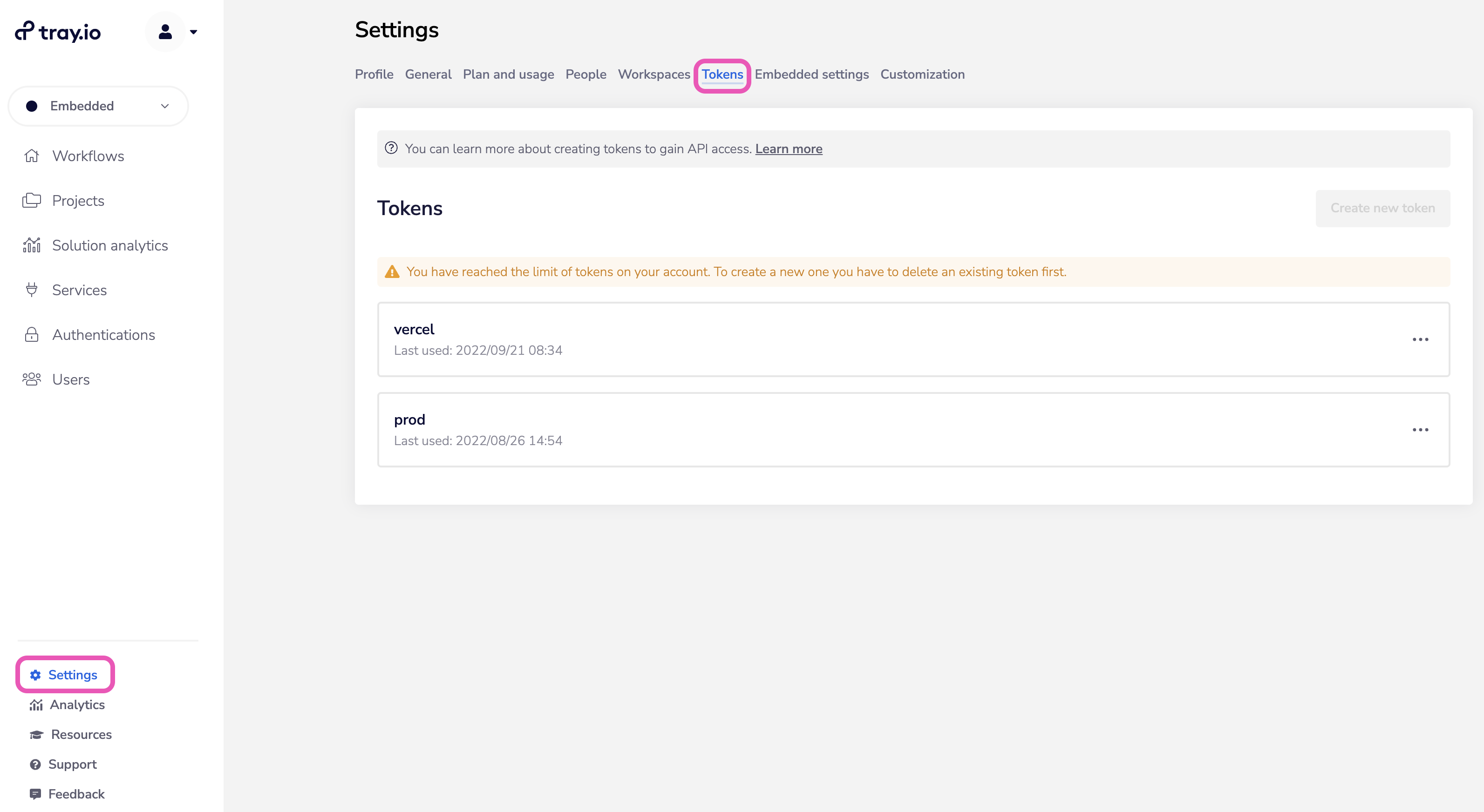
Your master token is generated in the Tokens section under Settings in your dashboard (requires Tray Embededd admin/owner access):
The following table gives a breakdown of what tokens are used for the various API endpoints:
| S.No. | In-App Operation | Trigger (When is the API operation called) | Token |
|---|---|---|---|
| 1 | GET existing end-users | App user lands on the page | master-token |
| 2 | Create new end-user | User fills the form to create new user | master-token |
| 3 | Create end-user token | User selects an end user | master-token |
| 4 | GET end user authentications | User selects an end user | user-token |
| 5 | GET connectors | User lands up on the page | master-token |
| 6 | GET connector operations | User selects the connector and version | user-token |
| 7 | Create new auth | User clicks on the button to ‘create new auth’ | master-token |
| 8 | Call connector | User hits the form submit | user-token |