
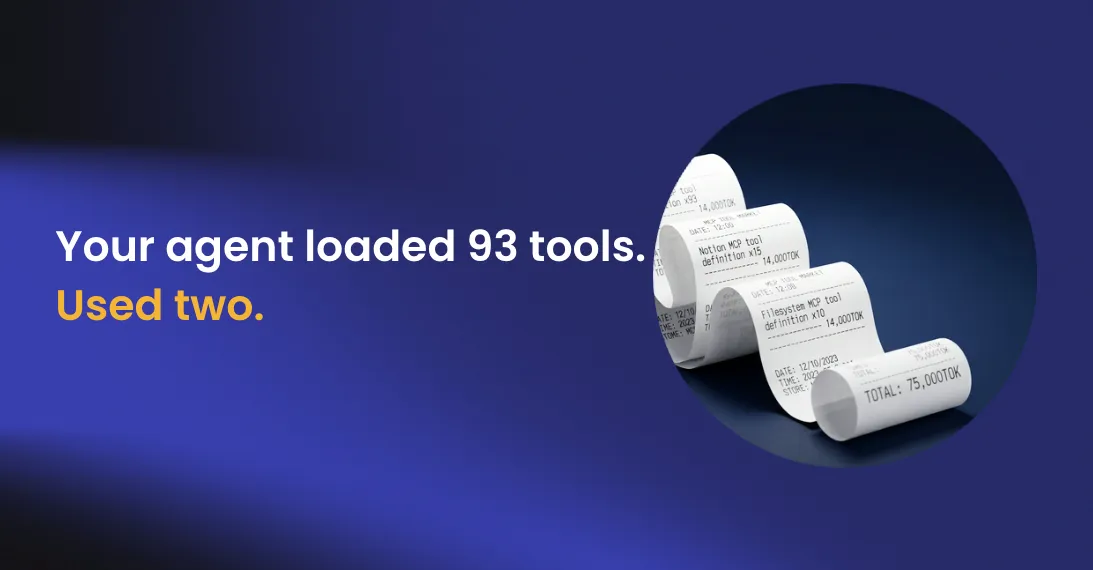

Your AI budget went to your CFO last quarter looking reasonable. This quarter it does not, and you cannot produce a clean explanation of what changed.
Nothing obviously broke. No runaway process. No single team blowing past a spend limit. Just a steady climb across dozens of agents, dozens of sessions a day, with no line item that accounts for it.
The answer is probably not in your query logs. It is in your tool definitions.
Every tool costs tokens before it does anything
When an agent starts a session, its MCP client loads the definition of every tool available to it from every connected server. Not just the tools it will use. All of them. Each definition includes a name, a description, an input schema, parameter types, and constraints. At roughly 500 tokens per definition, that context load runs before the model has processed a single user request.
That last part is the one most teams have not absorbed. The token cost of tool loading is a fixed overhead per session, applied regardless of what the agent actually does. An agent that answers a single simple question still paid the full context load to have 93 other tools available that it never touched.
The overhead is invisible until it is not
Most observability setups are not built to surface this. Teams monitor query response times, error rates, and total spend. Almost nobody tracks token consumption per tool, per server, per session. The cost accumulates in the background across every connected server, authorized and unauthorized, until it lands on a bill with no clean breakdown.
The gap between “we approved these MCP servers” and “we know what they cost to run” is where budget surprises come from. Across most enterprise deployments today, that gap is wide.
There is also a performance dimension that compounds the cost problem. An LLM presented with a large tool inventory has to reason over the full list before selecting one. That adds latency. It also increases the probability of selecting the wrong tool. Gartner recommends 5 to 15 focused tools per server for single-domain use cases, scaling only when the functional breadth genuinely justifies the performance trade-off. Past that threshold, you are not expanding capability in proportion to cost. You are expanding the decision surface.
Tool count limits create a silent failure mode
There is a constraint that makes all of this more urgent, and it sits entirely outside the teams building the tools. MCP clients enforce hard limits on tool count regardless of what your servers expose.
When that happens, the failure is hard to diagnose. The agent behaves inconsistently because the tool inventory it is working with varies silently from session to session. Teams that are already close to those limits and do not know it will hit them, and the root cause will not be obvious when they do.
The default adoption pattern is the problem
This is a provisioning default, not a design decision. Like most provisioning defaults, it optimizes for ease of initial setup rather than cost at scale. The same dynamic that made ungoverned MCP adoption a security problem makes it a cost problem too: individual decisions that each look reasonable produce a collective outcome that nobody designed and nobody owns.
An agent handling order lookups does not need database administration tools. An agent generating reports does not need write access to production systems. The scope should reflect the task. Right now, for most deployments, it reflects whatever the server happened to expose.
Three levers that actually move the number
Ungoverned MCP creates security exposure that compounds over time. The cost problem follows the same structural logic: invisible accumulation, no single obvious owner, difficult to remediate once the pattern is entrenched. Tray Agent Gateway is built for exactly this pattern: centralized MCP management with scoped tool access, token consumption visible in your observability stack, and versioned tool definitions that reflect what agents actually need.