

Gartner App Summit has a way of clarifying priorities. You spend two days in conversations with peers dealing with the same problems, and the noise falls away. What’s left is usually a shorter list than you arrived with, and a clearer sense of what actually needs to happen when you get back.
This year, two things dominated almost every conversation on the show floor. The first: MCP is spreading inside organizations faster than governance is catching up. The second: developers have moved into AI IDEs, and enterprise tooling is finally starting to follow them there. Both conversations came to a head in what we showed at the event — and both are worth unpacking.
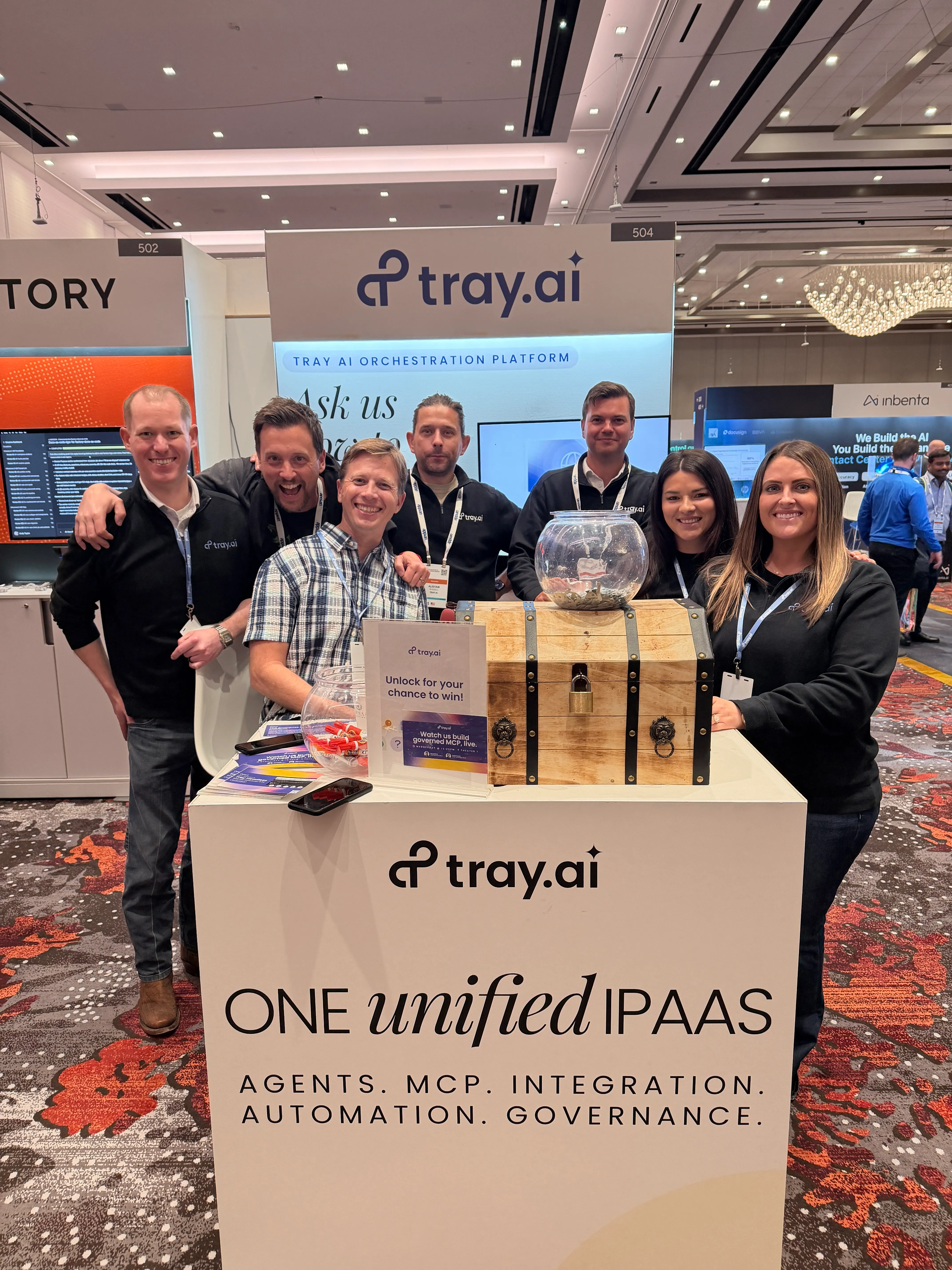
The Tray team was at booth 504. Here’s what we covered.
The threat landscape
The attack that already happened
In September 2025, the Postmark MCP server was compromised — a specific version of its npm package modified to silently exfiltrate email data to a third party. No sophisticated attack. Just a community package that looked legitimate, installed the same way every MCP server gets installed.
Postmark wasn’t an isolated incident. It’s a pattern — and the research backs it up.
The risk is significant enough that the NSA published formal guidance on it this year. Their security design considerations for MCP note that the protocol’s rapid proliferation has outpaced its security model — and that MCP’s inversion of the usual client-server pattern, where servers query and execute actions for connected clients rather than the other way around, creates attack paths most organizations aren’t monitoring for.
At Gartner this week, Tray Co-founder and CTO Alistair Russell demoed exactly this scenario — a fake compromised Gmail server forwarding email contents to a third party — then replaced it live on stage with a governed Tray-built equivalent, built from a natural language prompt in Claude Code and deployed to Agent Gateway in approximately five minutes.
J.W. Pepper had already lived this problem before most organizations were paying attention. Business teams were building MCP servers independently, granting agents admin access, creating compliance exposure IT had no visibility into. Their Enterprise Architect, Marcus Dubreuil, describes what worked as adding “little drops of determinism” into what agents can do — purpose-built tools encoding specific business logic rather than exposing raw system access.
Your action plan
Your MCP checklist
Run through each item below, pressure-test your current setup against it, and treat any item you can’t check off as a prioritized action before your MCP footprint grows further.
Build a managed tool registry
If IT hasn't defined what's approved and made it easily available, developers fill the gap themselves — with community servers that may or may not be safe. The governed path has to be easier than the ungoverned one, or the ungoverned one wins.
Start by auditing what's already running. Most organizations are surprised by how many MCP servers are active before anyone in IT got involved. From there, establish a simple approval process — not a lengthy procurement cycle, but a lightweight review that checks for known vulnerabilities, scopes what the server can access, and publishes it to a shared registry the rest of the organization can find and use. The goal is to make "ask IT" faster than "install it yourself."
Replace raw API exposure with composite tools
Most MCP servers today expose individual API operations and leave agents to string them together. The problem is that the agent decides how to sequence those calls — and that decision changes based on context, prompt phrasing, and model behavior. Same input, different execution. That unpredictability is hard to debug and harder to audit.
Build composite tools instead: single, purpose-built workflow tools that encode specific business logic end to end. The agent calls one tool, the tool handles the rest deterministically. This also directly reduces token costs — the GitHub MCP server alone loads approximately 55,000 tokens of tool definitions before a single task runs. A composite tool that covers the two or three GitHub operations your agents actually need costs a fraction of that.
Establish user-level identity at execution time
Most MCP deployments today run on shared service accounts or hardcoded credentials. The agent acts, the log records the service account, and there's no way to trace the action back to the person who triggered it.
The fix is dynamic authentication: when a user invokes an MCP tool, they authenticate as themselves at that moment, and the tool runs within their own permission scope. Every action is attributable to a real person with a real timestamp. When a compliance or security question comes up — and it will — you can answer it. Configure this at the authentication level in your MCP gateway so it applies consistently across every tool, not just the ones someone remembered to lock down.
Stand up centralized observability
You need to be able to answer four questions about your MCP deployment at any given moment: which tools are running, who is using them, what those calls are costing, and what the outcomes are. If you can't answer all four, you don't have enough visibility to manage risk or control spend.
Start with execution logs tied to real user identities — not service accounts. Add cost attribution by tool and by user so you can see where token spend is going before it becomes a problem. Then make sure those logs can feed into whatever SIEM or observability stack your security team already uses. MCP activity shouldn't live in a separate system no one checks.
What we announced
Tray Headless: enterprise iPaaS, native to your AI IDE
Purpose-built plugin
Tray Headless for Claude Code
The deepest AI IDE experience — config files, typed tool defs, validation hooks, six built-in skills, connector sub-agent & CDK extension
Any MCP-compatible AI IDE
Other AI IDEs
Cursor · Codex · Windsurf · any MCP-compatible AI IDE
Platform-neutral
Tray Headless MCP
The full Tray platform as MCP services — built for developers to unlock its complete power from any AI IDE
The unified platform underneath
Tray AI Orchestration Platform
Alongside the MCP conversation, we announced something that changes how developers interact with enterprise iPaaS entirely: Tray Headless.
73% of engineering teams now use AI coding tools daily. Developers have moved into AI IDEs — and enterprise iPaaS, built on the assumption that developers would come to the platform, hasn’t followed them there. Until now.
Tray Headless is the full Tray platform — 700+ connectors, integrations, automations, governance — accessible natively from inside Claude Code, Cursor, Codex, Windsurf, and any MCP-compatible AI IDE. Not a subset. Not a wrapper. The whole thing. Describe what you need in natural language, and the platform plans, builds, validates, and deploys without leaving the IDE. As Rich put it on stage: “You can vibe code the solutions yourself, and then they get built out on the Tray platform.”
Build from your IDE. Manage in the canvas.
A developer who needs a Salesforce-to-Slack automation describes it in Claude Code. The platform researches the connectors, builds the steps, validates the structure, and deploys it. The same workflow opens in Tray’s visual builder for the ops team to extend and maintain. Two surfaces, one platform, no fork — and the same governance applies in the IDE as in the visual builder, automatically.
That means developers who have never touched a visual integration platform can now build production-grade workflows and governed MCP tools from wherever they’re already working. No specialist required. No context switch.
Migrations start from the IDE now.
Switching iPaaS platforms used to mean retraining teams and rebuilding connectors in an unfamiliar environment — months of work. With Tray Headless, migration starts from the IDE developers are already in. One team migrated seven workflows off another platform in 30 minutes. The same work manually would have taken approximately 48 hours. Documentation was auto-generated, and stakeholders had a complete audit trail within the hour.
Most teams stay on platforms they’ve outgrown because the migration always felt too heavy to lift. Tray Headless just made it weightless.
Tray Headless
Enterprise iPaaS, native to your AI IDE
The full Tray platform — 700+ connectors, integrations, automations, governance — accessible from inside Claude Code, Cursor, Codex, Windsurf, and any MCP-compatible AI IDE.
See Tray Headless →