
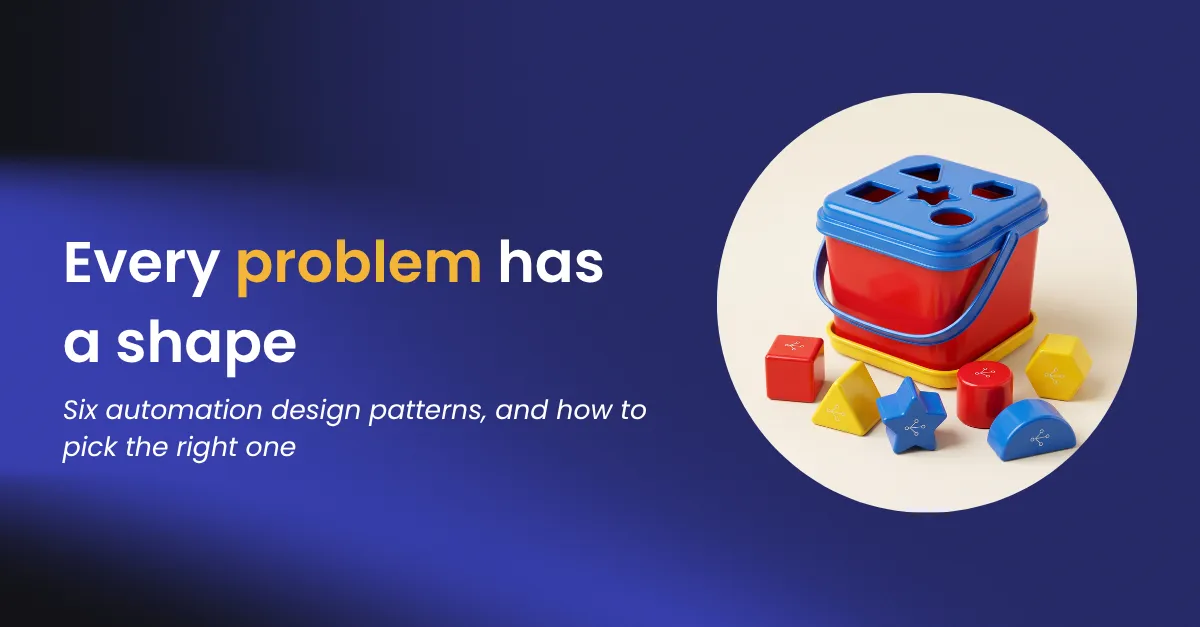

Every kid gets one of those shape sorter toys. A bucket with a star hole, a circle hole, a square hole, and a pile of matching blocks. Watch a one-year-old play and you see the same move every time. They grab the star, decide it goes in the circle hole, and apply force. More force. A concerning amount of force.
I spend a lot of my time watching very smart adults do the exact same thing with AI. They have a problem, and they have the tool they always reach for. When the block does not fit, the instinct is rarely to pick a different hole. It is to apply force. Another prompt, another script, a retry loop and some hope. I have seen teams spend a quarter jamming a star into a circle when the star hole was right there the whole time.
The useful part is that there are only a handful of AI automation patterns worth knowing. I count six, running from completely rigid to completely open-ended, and each one is the right answer to a specific kind of problem. Here are the six patterns, from most fixed to most free.
Pattern 01
The workflow
Define the route once. Run it a million times the exact same way.
A workflow is a fixed sequence. A trigger fires, steps run in order, the known exceptions get their own branch, and something lands at the end. Nothing about the path changes between runs.
You want this when you can write down every step in advance, the data is tidy, and you are doing it a lot. Invoice processing, provisioning a new hire, routing a lead. The reward is that when someone asks you six months later what happened on March 3rd, you can actually tell them. Boring is a feature here. You already know the right path, so you do not want a model reinventing it every morning.
Pattern 02
The AI-infused workflow
Drop AI exactly where judgment is needed. Keep the rest boring on purpose.
This is a normal workflow with one twist. At the single step where rules fall apart, you let a model make the call. It reads the email, classifies the document, pulls the three fields you need out of a messy PDF, and then the tidy, predictable machinery picks right back up.
Reach for this when your inputs are the kind of thing a human used to have to eyeball. Contracts, support tickets, images, forms nobody filled out correctly. The rest of your process does not need to change. Only the part that needed a pair of eyes does. This is the pattern most teams should be using far more than they are, because it gets you the smarts of a model without betting the whole process on it.
Pattern 03
The agent
State the goal, set the guardrails, and let it find its own way there.
Here you stop describing steps and start describing outcomes. The agent reasons its way to the goal, looks things up, uses tools, checks its own work, and two runs of the same task might take two different routes and both be right.
This one is worth it when you can name the goal but genuinely cannot name the steps, because every case is a little different. If you find yourself building a decision tree with forty branches and it keeps growing, that is a good sign the problem wants an agent, not another branch. The catch, and it is a big one, is guardrails. An agent without limits is a great demo and a terrible coworker. The reasoning is what makes it useful. The guardrails are what let you sleep.
Pattern 04
The multi-agent
One agent cannot do everything well. Get a few specialists and someone to coordinate them.
Some jobs are too big for a single agent, and when you ask one agent to do everything, you get something that is mediocre at all of it and accountable for none of it. The fix is a coordinator in the middle handing work to specialist agents that each own their corner, then passing the results around.
Use this when the job clearly spans several domains and no single agent should hold every key. It is also just how reality works, because some of those specialists will be yours and some will belong to another team or another vendor entirely. The thing that keeps a setup like this from turning into a group chat that never ends is scoping each agent narrowly and keeping a clear record of who did what.
Pattern 05
Agentic services
Turn your own systems into safe, well-behaved things any agent is allowed to call.
The first four patterns are about building automations. This one flips it around. Instead of building the agent, you make your systems safe for agents to use, including agents you did not build and do not control. Your CRM, your database, and your internal tools become services an agent reaches through a front door with a lock on it, not a back window left open.
You need this the moment an outside agent, say something a colleague spun up in Claude or ChatGPT, wants to touch your real systems. Handing it raw access means it inherits whatever the logged-in person can do, which is how a helpful assistant becomes an incident report. A governed service in front of your systems means access is scoped, credentials never leak into the model, and every call is logged with what it cost. This is how you get to say yes to agents without handing over the keys to the building.
Pattern 06
Democratized development
Building things should not get stuck behind the four people who know how.
Demand for automation always outruns the number of people qualified to build it. So the goal is to widen who gets to build without widening the blast radius. Someone describes what they want in plain language, right in the editor they already work in, and the tooling scaffolds it, checks it, and ships it, and what comes out is the same governed thing a specialist would have built by hand.
This matters when integration work is the actual bottleneck on your AI plans, which it usually is. The point is not that anybody can now build anything with no rules. It is that a lot more people can build the right things, under the same rules the experts already follow. That is the part I care about most, because it is the difference between AI being a thing a few specialists do and a thing your whole team can do.
The takeaway
Pick the shape that fits
The whole skill of AI automation is looking at the problem before you reach for a tool. Name the shape it actually is, then build that. When a project drags, it is almost always because someone forced a familiar pattern onto a problem that needed a different one.
The bigger win is not having to buy a new bucket every time the shape changes. When all six AI automation patterns live on one platform with the same governance, audit, and cost controls under each one, a workflow can grow into an agent, and an agent can pick up a few specialists, without starting over. That is the part worth designing for from the start, and it is what we spend our days on at Tray.
The hardest part is calling which kind of automation a problem actually needs before you build it. Get the framework.