.DkNUKaKx_ZLAT4m.webp?dpl=dpl_8yJRSbiE1G6s3QrAKF7yU51bW2sQ)








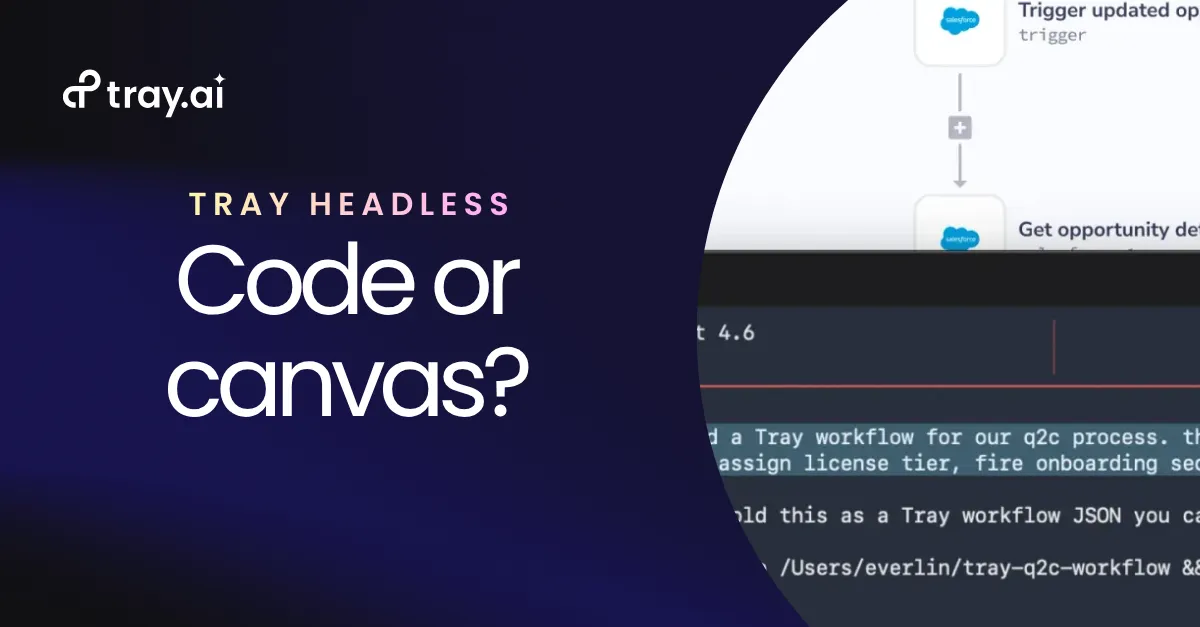

A developer builds a NetSuite-to-Salesforce invoice sync from inside their AI IDE. They describe it in plain language. The connectors get researched, the workflow gets built and validated, and it runs against a live workspace, all without opening a separate tool.
Then the person who owns that integration day to day opens it in a visual builder. She wants to add an approval step before anything writes to Salesforce.
On most platforms, the workflow she opens is not the one the developer shipped. It is a copy the visual builder can render. Her approval step lands on the copy. His next change lands on the original. Two versions of the same integration start drifting apart, and neither person can see the other’s edits.
When the two surfaces can’t round-trip
Underneath, the headless layer and the visual builder are separate systems that both point at the workflow. Code is the developer’s working copy. The canvas is the operator’s. Keeping them aligned is a synchronization problem, and synchronization is where this falls over.
Going headless was supposed to remove a context switch. Developers stop leaving the IDE to build in a separate environment, and projects stop stalling on the handoff.
When the surfaces can’t round-trip, you trade that one context switch for two sources of truth, two places to make a change, and an operations team locked out of integrations they answer for.
Two versions also mean two audit trails. When someone asks who changed what and when, the answer depends on which copy they open. For anyone accountable for governance, that is the part that fails an audit.
Teams move back and forth
Nobody chooses code or canvas once. They move between them.
A developer scaffolds in code because it’s fast and precise. An operator opens the canvas because seeing the process laid out is how you catch a missing approval, or a branch that should exist for a second region. Sometimes the person in the canvas isn’t a developer at all, but a marketing-ops or sales-ops lead who used to wait weeks for a change and can now make it directly.
All of it rests on one condition. Both surfaces have to edit the same thing.
One workflow reachable from either surface, or two copies someone has to keep in step. The difference is the architecture underneath.
It comes down to how the platform was built
One condition decides whether a platform can hold to it: code and canvas have to operate on the same object. That is an architecture property, and it is the first thing worth pressing on in an evaluation.
1. What “the same workflow object” actually means
A Tray workflow is a single artifact: a trigger and the steps that run after it, stored on the platform. The IDE and the visual canvas are both clients of that platform, talking to the same API. Neither keeps its own copy. There are no workflow files sitting in a repo to commit, diff, or reconcile against what the canvas shows.
So a change made from code and a change made by dragging a step are the same kind of operation: a mutation against the one stored object. The canvas shows the IDE’s most recent write because it is reading that record, not a mirror something has to keep in step. Whether a developer uses a purpose-built plugin or points an IDE straight at the MCP layer, both are clients of the same workspace, scoped to the same projects and workflows.
2. Why a bolted-on layer can’t hold it
When the headless capability is a wrapper in front of a platform whose builder, automation engine, and governance were separate products, the IDE is not editing the workflow directly. It is editing a representation that has to be translated down into each underlying system, then translated back to appear in the canvas.
Round-tripping requires that translation to be lossless in both directions, across product seams that were never designed to round-trip. Usually it is not, so what returns to the canvas is read-only, or it drops whatever the wrapper could not express. That is the point at which the workflow forks, and no amount of polish on either surface closes the gap, because the gap is underneath both of them.
3. Validation, identity, and governance ride with the object
Because there is one object, the rules that act on it do not change with the surface.
Validation runs server-side in two passes. Every change validates the steps it touches before anything is written, and a whole-workflow audit checks that jsonpath references resolve, output shapes are correct, and structural conventions hold. A workflow built from the IDE clears the same checks the canvas enforces, so you do not get something that builds in code and breaks the moment an operator opens it.
Identity behaves the same way. Every action runs as the signed-in user, scoped to what that account can reach in the workspace, whichever surface it came from. The headless path does not quietly fall back to a shared service account. And there is one audit trail, because there is one object to record against. The governance you set in the visual builder is the governance the IDE is already working inside, with no second configuration to keep in line.
4. It also means you can leave
A workflow you can read is a workflow you can move. The definition is structured and inspectable rather than locked inside a proprietary canvas, so the headless surface is not a one-way door. A platform whose architecture genuinely round-trips can afford to make the artifact portable, which is worth testing for directly rather than taking on trust.
Code or canvas becomes a question of how someone wants to work. The work itself stays in one place.
The test
Going headless is the right call. The question you need to ask your iPaaS vendor is this:
When a developer builds a workflow in the IDE and an operator changes it in the visual builder, are they editing one thing, or two copies someone has to keep in line?
That question separates a headless layer from a headless platform.
Go deeper
iPaaS is going headless. Here's your guide to doing it right.
A practical guide to headless iPaaS: what it is, why it's now the critical layer for AI development, and the architectural decisions that separate first-class from retrofitted.
Read the guide to going headless →