










.DkNUKaKx_ZLAT4m.webp?dpl=dpl_8yJRSbiE1G6s3QrAKF7yU51bW2sQ)








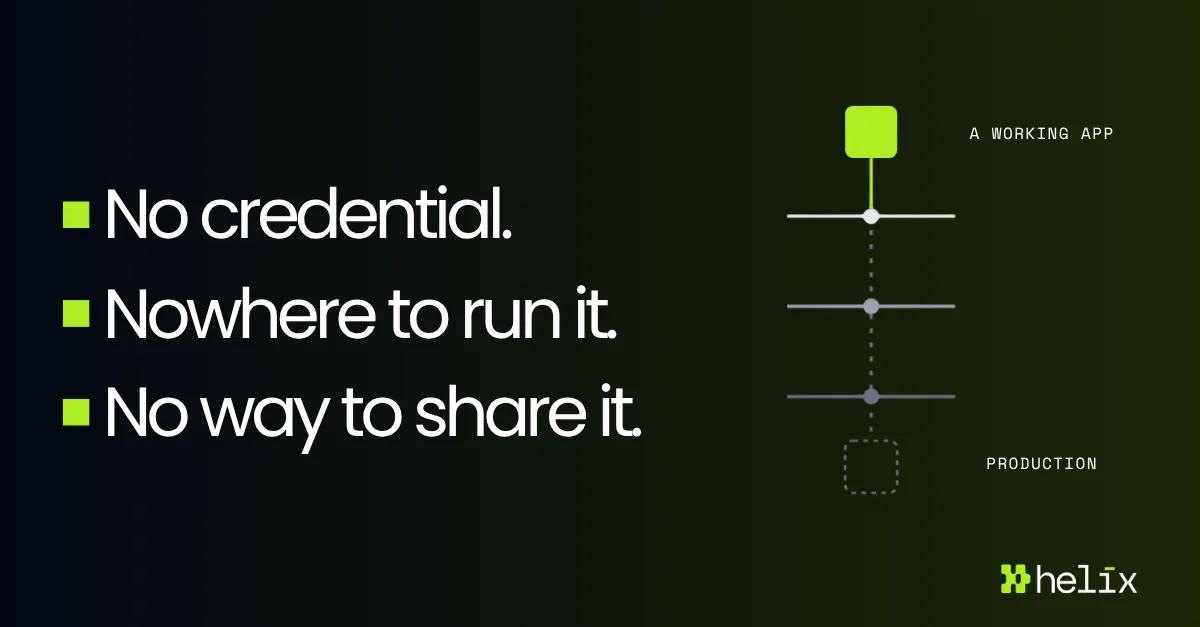

A prototype becomes a running app when three things are true. It can reach the systems it needs, it has somewhere to run, and somebody has decided who is allowed in.
Most AI-built apps never get past the first one.
We spend a lot of time with teams working through exactly this. Enterprise software, financial services, healthcare, retail. Different stacks, different sizes, same three blockers, usually in the same order.
Three gates between a working prototype and a running app. Most stop at the first.
One: the app needs a credential
The moment an app does anything worth deploying, it calls a real system. Salesforce, Zendesk, a warehouse. That means an API key or an OAuth token, and the person who built the app has to obtain one and put it somewhere.
Every option available to them is bad. Hardcode it and it is in a repository, and repositories get pushed. Paste it into a prompt and it is in a conversation history you do not control. Put it in a .env and it lives on one laptop, and one person now holds a production credential with no rotation policy and no audit trail.
One team described building an internal form, being asked by security to restrict who could reach it, finding no supported way to do that, and adding a password check into the app by hand. Security did not accept it. There was no correct option available to them.
A secret in a repository or a prompt cannot be pulled back. Rotating it means first finding everywhere it reached.
Two: the app needs somewhere to run
So the builder asks engineering to host it.
One head of engineering told us people keep arriving at engineering asking them to run software engineering did not write. That is a defensible place to stand. An app with no tests, no README, and no on-call rotation, holding a live connection to production data, is not something a platform team wants to inherit. Accepting one means accepting all of them.
So the app runs on the laptop, and what circulates is the output. HTML files over Slack. A screenshot of a dashboard. A CSV somebody regenerates on request.
We heard about a reporting dashboard a sales team now depends on that refreshes only when one person’s machine is awake and running the job. When he is away, somebody else gets walked through running it. The app works, and it has a single point of failure who takes holidays.
Three: somebody decides who gets in
Assume the first two are solved. There is a credential and there is a runtime. Now: who can open the app?
Most internal access is binary. Full access or none. That is survivable for a system with an administrator and a change process, and it falls apart for an app one person built on Tuesday.
The app reads from the CRM. Broad CRM access for everyone who might find the app useful is not something a security team signs off. Restricting it to the builder defeats the reason for shipping it. With nothing in between, the app gets shared with nobody, or with a link and some optimism.
One team told us they keep their AI-built tools deliberately informal so they never become a source of truth anyone relies on. That is a workaround for having no way to control who uses them.
None of these are new problems
Secrets management, hosting, and access control are solved categories with well-understood answers. Any platform engineer would recognize all three and know what to reach for.
This is platform work, and the person who built the app is not a platform engineer. An analyst who described a reconciliation tool to Claude Code is not going to stand up a secrets manager, provision a runtime, and wire it into an IdP. The work is real and nobody has been assigned it.
What happens when people route around it
Some do get past all three, by taking the app outside the organization entirely and standing it up on a hosted platform with its own credentials and its own login.
That works. The app runs, the team uses it, and nobody in IT knows it exists. One organization we spoke with has roughly a thousand apps running this way across several platforms. They cannot say who owns them, what they connect to, or what data moves through them.
So production alone is not enough. The app has to land somewhere you can see it.
Same first step. The difference is whether anything is left behind.
What one command does
Here is an app going from an AI assistant to production with all three handled on the way.
The credential. The application code references an auth alias by name. It contains no secret, and there is no secret on the machine that built it. When the app calls Salesforce, Tray’s credential broker resolves the alias, supplies the live credential, and makes the request. The app never holds the token. Neither does the model that wrote the code, nor the person who prompted it. “No hardcoded secrets” is not a policy anybody has to comply with here. There is nothing available to hardcode.
The alias travels. The secret does not.
The broker applies while the app is still running locally, so an app is visible and governed before it is ever deployed. And rotating a credential is one central operation, with every app using that alias picking up the change and no per-app redeploys.
None of this is new machinery. Tray has been brokering enterprise API authentication for about fifteen years. Helix exposes that existing service to the apps your people build.
The runtime. helix deploy compiles and packages the app server side and lands it on Tray’s managed runtime with a URL. The builder provisions nothing. Engineering inherits nothing. The app comes with a database, a key-value store with TTL support, a shared file system, and message queues on SQS, so none of that gets stood up per app either.
Because the runtime is ours, we can inject middleware at the app boundary. An app that reads customer data can be prevented from making outbound HTTP requests to anything outside an allowlist. That control does not exist for an app running on somebody’s laptop, at any price.
The access. Every deployed app sits behind enterprise SSO through your existing IdP, and by default it is visible only to people explicitly given access. Widen that to a workspace, to the organization, or to named individuals. The builder wrote none of it.
Then the question that always comes next
Fine, it shipped. Who owns it now?
That question is why governance attaches at deploy instead of getting retrofitted. The app lands in the registry with a named owner, the systems it connects to, and a log of every request it makes. Not a raw stdout dump. Every external API call, every database query, every key-value read, and which authentication was used for each one. The logs are OTEL format, so they go wherever the rest of your telemetry goes.
Owner, connections, and every call — including which authentication served it.
Somebody should be able to answer a real question about any running app in minutes rather than through email archaeology. When the person who built it leaves, the app should not become an artifact nobody can identify.
Access control today covers who can open an app. Role granularity passed into the app as context is on the roadmap and not shipped.
Where this leaves you
Your teams will keep building. That was settled before anyone had an opinion about it.
What matters is what happens between somebody building something good and that thing reaching the people who need it. At most companies the answer is nothing. The app stops on three problems that all have known solutions and no assigned owner.
Close that gap and the pile of ungoverned apps becomes a portfolio you can see, own, and measure. That is the difference between AI spend and AI value.
Early access
Tray Helix is open for early access
If you have people building with AI and no governed path from prototype to production, get early access to Helix.
Get early access →