









.DkNUKaKx_ZLAT4m.webp?dpl=dpl_27YiVb46fG1g2qXC7FPsjnva6Vrw)









A customer’s sync breaks on Tuesday afternoon. Their Zendesk admin renamed a field, and every run since has failed on the same step. Your team has no alert for one customer’s instance, and the customer has no idea anything is wrong. The following Monday, their head of support opens a report, sees that half the week is missing, and opens a ticket that starts with the word “again”.
Every embedded integration fails sometimes, and what matters is who hears about it first. With a customer-facing integration, the person who can fix the problem is often the customer, and they’re usually the last to hear about it.
What is integration error handling for customer integrations?
Integration error handling for customer integrations catches every failed run, across every customer’s instance, in one place. It sorts each failure by who can fix it and groups the repeats. When the fix is the customer’s, it tells them in your product, with the fix. When the fix is yours, it opens one incident for your team, and keeps the failed run so support can answer what happened.
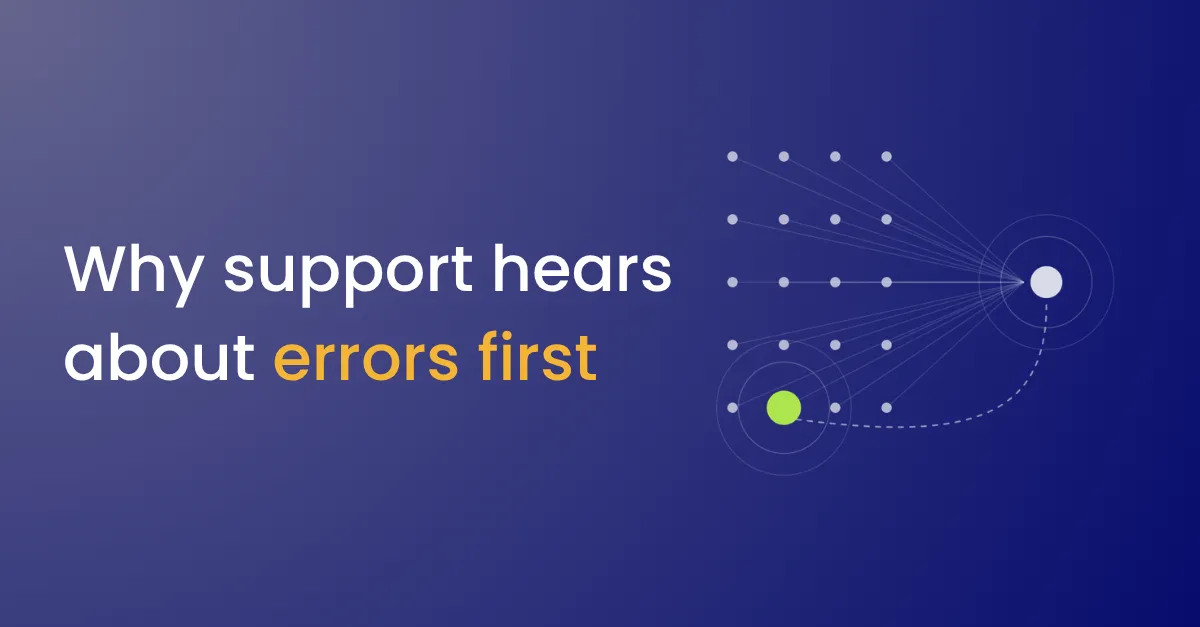
Why support hears about errors first
- Errors are checked one instance at a time. That works for ten customers and stops working long before four hundred.
- Every failure goes to engineering. A revoked connection and a bug land in the same queue, though only one of them is yours to fix.
- One outage becomes fifty tickets. When the other app goes down, every customer’s instance fails, and each failure is raised on its own.
- The customer is told nothing. Nobody planned a message, so the first notice is a wrong report.
- The failed run is gone. Support can’t answer “what happened to my record” without it.
What it costs
Each error the customer finds first costs trust in the whole product. The data looked right, and it wasn’t, so the next number they see gets questioned too.
It also costs your team the same work many times over. A failure the customer could have fixed in one click becomes a ticket, a triage and a follow-up email.
What to fix first
- Catch every failure in one place. Send failures from every customer’s instance of every integration to one alert workflow, with the customer and the failed step attached.
- Sort by who can fix it. Expired connections, missing permissions and deleted fields go to the customer. Bugs and outages go to your team.
- Group repeats. Fold one customer’s repeats into one alert, and raise the same failure across customers as one incident.
- Tell the customer in your product, with the fix. Use plain words and the button that fixes it: reconnect, open setup or retry.
- Keep every failed run. Support should be able to look up what happened to a record without asking engineering.
The guide to building error alerts for customer integrations has the prompts for each step.
Where it fits
Most failures a customer can fix start at the connection or the mapping, so the alert should send them back to the screen where the fix is. Failures that are yours often follow a release. Rolling out changes in waves, and watching failure rates between them, catches those before they reach every customer.
For the full life of an embedded integration, from choosing what to build to tracking who uses it, see the beginner’s guide to embedded integrations.