










.DkNUKaKx_ZLAT4m.webp?dpl=dpl_4BmuHqwsegU1qdsYeBJiSqLFL1qp)








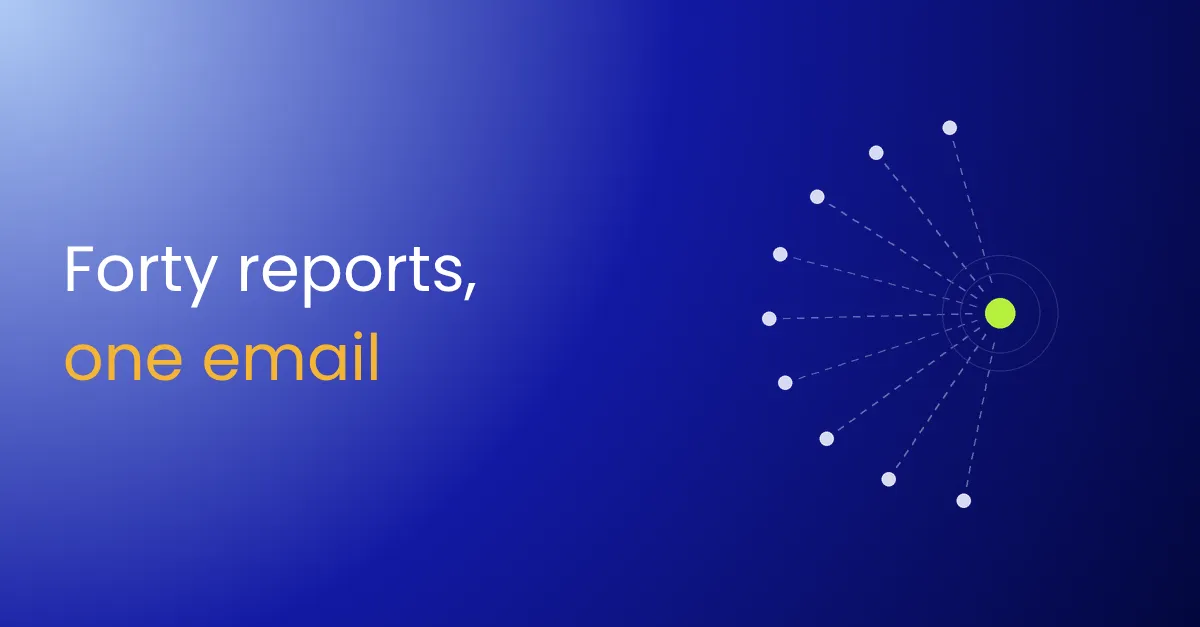

A convincing invoice email reaches 300 people at 8 a.m. By 9, forty of them have clicked “Report phishing”. Each report opens its own ticket. Three analysts work three of them, reach the same conclusion and close them.
The other 260 copies are still in inboxes. Two more people open the link before lunch.
Phishing report triage is the part of security operations that turns user reports into action. How well it works depends on what happens to the copies nobody reported.
What is phishing email analysis?
Phishing email analysis checks a reported email’s sender, links, attachments and headers to decide whether it is malicious. In a working triage process, every report of the same email joins one case. Every copy is found and removed across the company, and each reporter is told what happened.
Why reported emails pile up
- Every report is a new ticket. Reports of the same email aren’t grouped, so the same analysis runs again and again.
- The analysis is manual. An analyst checks the headers, links and attachments by hand for each report.
- Unreported copies stay put. Closing the report doesn’t remove the email from anyone else’s inbox.
- Reporters never hear back. People who report get no answer, so they stop reporting.
- Harmless reports wait in the same queue. Newsletters and real threats get the same place in line.
What it costs
Every minute a phishing email stays in inboxes is another chance for someone to click. Duplicate analysis takes the time analysts need for real campaigns. When reporters hear nothing, the company loses its earliest warning.
What to fix first
- Group reports by email. Match on sender, subject and links, so forty reports become one case.
- Let an AI agent do the first read. It checks the headers, links and attachments and explains what is wrong, and an analyst confirms.
- Find every copy once it’s confirmed. Search every mailbox for the same message, with a person approving its removal across the company.
- Answer every reporter. Thank them, and tell them whether the email was safe.
- Close harmless reports quickly. Known senders and newsletters get an automatic answer and a closed case.
The guide to building phishing report triage has the prompts for each step.
Where it fits
A confirmed phish often leads to a stolen password, which is where account takeover response starts. A click on a confirmed phishing link is also an alert in its own right, so it goes to alert triage.
For every part of security operations, from first alert to shipped fix, see SOC automation.


