










.DkNUKaKx_ZLAT4m.webp?dpl=dpl_4BmuHqwsegU1qdsYeBJiSqLFL1qp)








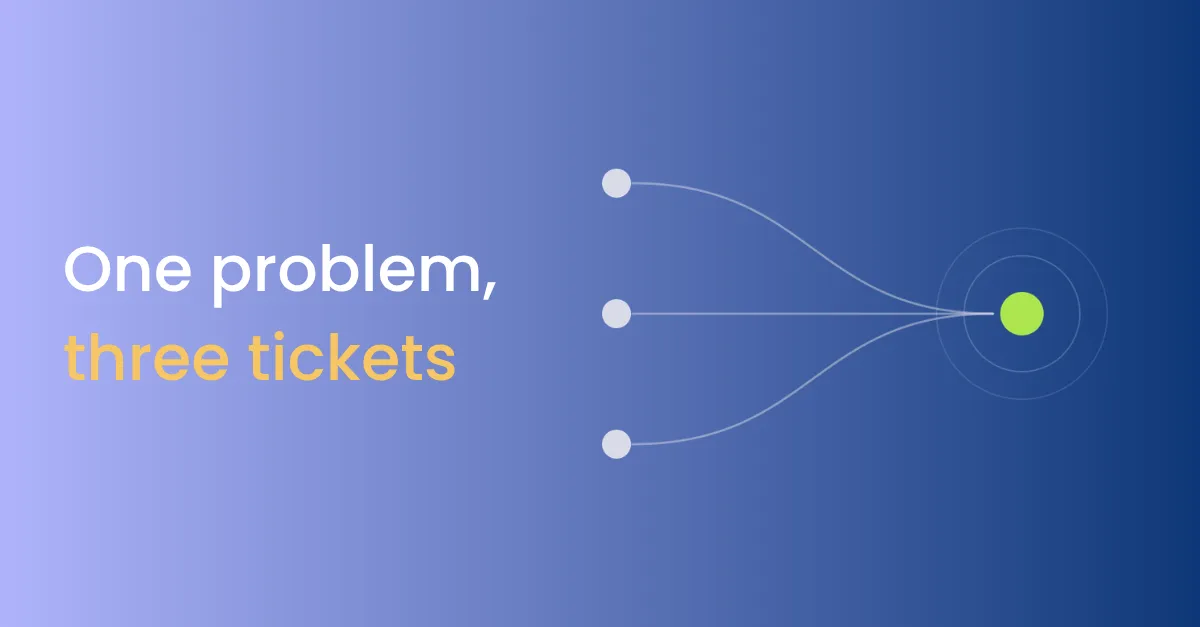

A customer emails support about a failed sync at 9:00. At 9:20 they post in the shared Slack channel your account team set up, and at 10:00 they call. The email becomes a ticket in the general queue, because the address isn’t matched to any account. The account manager sees the Slack message and answers it from memory. The call becomes a second ticket. By lunch, three people are working on one problem and have given two different answers.
Every customer support team starts here: turning messages from every channel into tickets someone can act on.
What is omnichannel support intake?
Omnichannel support intake brings every channel customers use, including email, chat, phone, forms and shared Slack channels, into the help desk as a ticket. It matches the sender to a contact and an account, joins a second message about the same problem to the open ticket, and sends the reply back on the channel the customer used.
Why one problem becomes three tickets
- Some channels aren’t connected. Shared Slack channels are the usual gap. Customers use them, and the help desk never sees them.
- The sender isn’t matched to an account. An email from an unknown address carries no contract, tier or history, so the ticket routes blind.
- Every message starts a new ticket. A follow-up call doesn’t find the email ticket, so two agents start from scratch.
- Replies move the customer. A question asked in Slack gets an email reply, and the customer now has two threads to follow.
- Nobody counts unmatched tickets. The share of tickets with no account is the clearest measure of your contact data, and it goes unreported.
What it costs
Duplicate tickets cost agent time twice, once for each agent and again to reconcile the answers. Unmatched tickets cost more. The customer who pays the most waits in the same queue as a free trial, because nothing told the help desk who they were.
What to fix first
- List every channel customers use. Include shared Slack channels and the account team’s inboxes.
- Match the sender to an account before anything else. Use the email domain and the contact record, and flag what can’t be matched.
- Join follow-ups to the open ticket. A second message from the same account about the same problem adds to the ticket instead of starting a new one.
- Reply on the channel they used. Moving a customer from Slack to email suits the tool, not them.
- Count unmatched tickets every week. The number shows where contact data needs work.
The guide to building support intake from every channel has the prompts for each step.
Where it fits
Routing is only as good as the match. Support ticket routing uses the account to set priority, and SLA alerts use it to find the contract’s response time, so an unmatched ticket breaks both.
For the whole customer support process, from first message to fix, see the customer support process.


