










.DkNUKaKx_ZLAT4m.webp?dpl=dpl_B791GEhV8erUTESWzSiuiKwKsq8X)








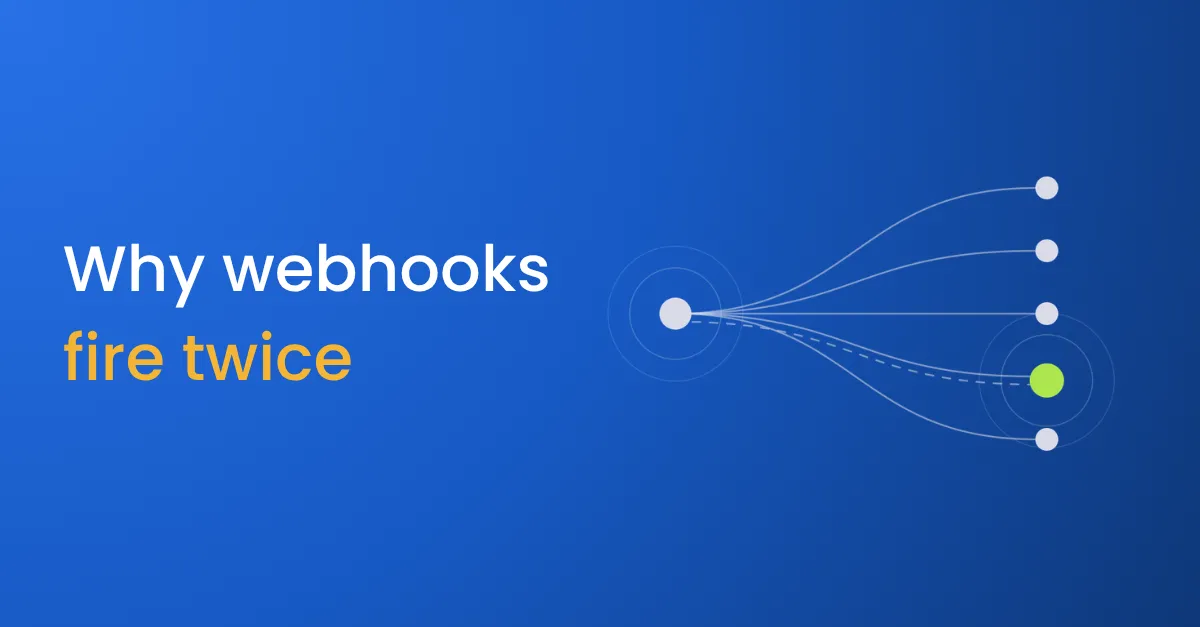

A customer pays an invoice. Stripe sends a message to say so, and five systems need to hear it: the CRM, the ERP, the warehouse, the customer success tool and Slack. One of them is slow that afternoon. Stripe waits, gives up, and sends the message again. The CRM now shows two payments, finance sees a duplicate, and the customer gets two thank-you emails.
That message is a webhook. Webhooks are how most modern software tells other software that something happened, and they’re how data integration delivers events in real time.
What are webhooks?
A webhook is a message one application sends to another when something happens, such as a payment succeeding, a form being submitted or a deal closing. The sending app makes a web request (an HTTP POST) to an address you give it, with the details of the event in the body.
Without webhooks, the receiving system has to ask over and over whether anything has changed, which is called polling. Polling is slow, because changes wait until the next check, and wasteful, because most checks find nothing. A webhook arrives when the event happens.
Why webhooks fire twice
Most webhook providers redeliver. If the receiver doesn’t confirm receipt quickly enough, the provider assumes the message was lost and sends it again, and Stripe keeps trying a live event for up to three days. That is a feature of how webhooks work, and it causes most of the problems teams have with them:
- The receiver waits for every app before confirming. When one event goes to five apps and the confirmation waits for the slowest, the sender times out and sends the event again to all five.
- Nothing checks for duplicates. Each delivery is processed as a new event, so a payment is recorded twice.
- One failing app triggers retries for all of them. The four apps that succeeded get the event again because the fifth failed.
- The sender isn’t verified. Anyone who finds the address can send a fake event, and the receiver acts on it.
- Failed events disappear. An event that fails after several retries is dropped, and nobody knows it existed. Some providers don’t retry at all: GitHub doesn’t redeliver failed deliveries automatically.
What to fix first
- Check the signature first. Most providers sign each webhook, and GitHub’s guide to validating deliveries shows how the check works. Verify it before reading the body, and reject anything unsigned.
- Confirm receipt straight away. Store the event and reply that it arrived, then deliver it to each app afterwards.
- Deduplicate on the event ID. Most providers include one, and Stripe’s documentation recommends tracking it to catch duplicate deliveries. Skip any event you have already processed.
- Retry each app on its own. If one app fails, retry that app only.
- Keep failed events. Put events that fail every retry in a holding queue for that app, and alert someone on the first one.
- Store the original event. If something goes wrong downstream, you can send it again.
The guide to building webhook fan-out has the prompts for each step.
Where webhooks fit
Webhooks carry events between applications. Changes inside your own databases travel by change data capture instead, and both usually end up in the warehouse alongside data from business apps like Salesforce. For the request-and-response side of connecting apps, read what API integration is.
For every step of data integration, from capturing changes to monitoring quality, see the data integration process.


