










.DkNUKaKx_ZLAT4m.webp?dpl=dpl_8yJRSbiE1G6s3QrAKF7yU51bW2sQ)








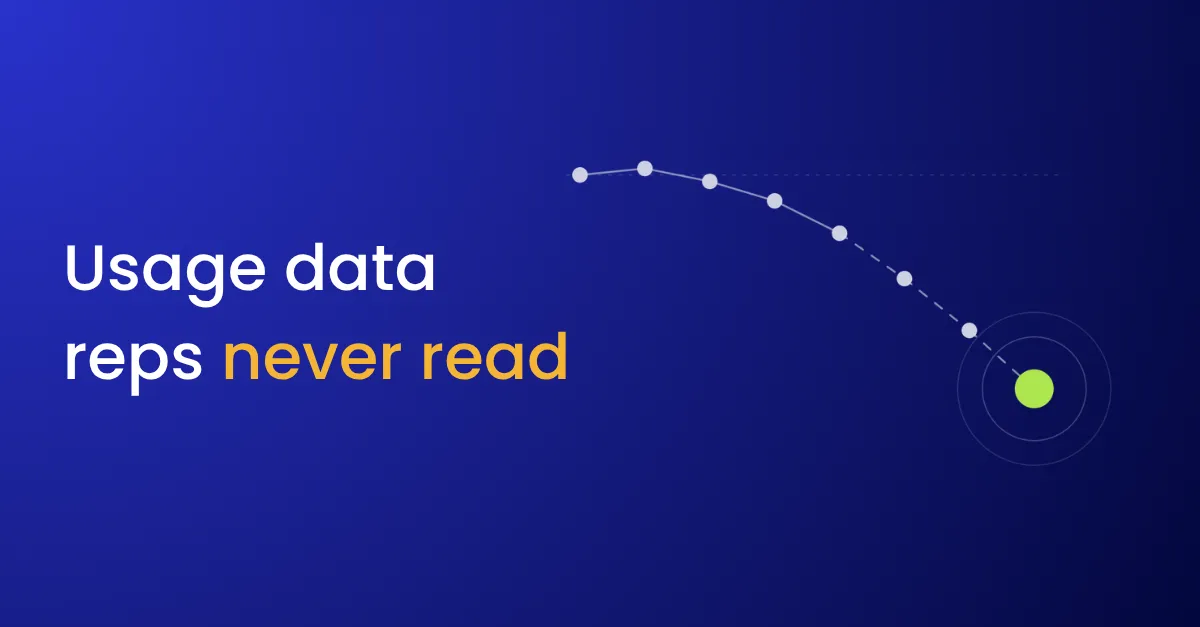

A rep opens a renewal call believing the customer is happy. The champion is friendly, the last QBR went well, and the CRM shows nothing wrong. Logins have been falling for two months, and the team that bought the product has moved most of its work somewhere else. The product analytics tool knew. Nobody on the account team opens it.
Product usage is stage three of a customer 360. For a software company, it’s often the earliest sign that an account is changing, and it’s usually the data the people who own the relationship see least.
What is product usage data?
Product usage data records what customers do in your product: who logs in, how often, which features they use, and how much of what they bought they consume. It lives in product analytics tools such as Amplitude, Mixpanel, Pendo and Heap, or in event tables in the warehouse. For account teams, the useful form is a few signals per account, such as adoption, its trend and seat use, rather than the raw events.
Why it never reaches the account team
- It lives in a tool reps don’t use. The product team owns the analytics tool, and reps have neither a login nor a reason to open it.
- It’s tied to users, not accounts. Events carry a user ID or a workspace ID. Without a mapping to the CRM account, nobody can roll usage up to the customer.
- Everything gets sent. When usage does reach the CRM, it arrives as 40 fields on the account, and reps read none of them.
- It’s a snapshot. A field showing 120 weekly active users can’t say whether that’s up from 40 or down from 400.
- Alerts fire on level, not change. An account that has always been small triggers a low-usage alert every week, and reps learn to ignore the alerts.
What it costs
Renewals are where it shows. Account teams learn about falling usage from the customer, after the decision has been made.
Expansion is missed the same way. Accounts using everything they bought, or more, go unnoticed until someone at the customer asks for a quote.
Sales and customer success also argue from different facts. Customer success sees a quiet account, and sales sees a happy champion. Both are right, and neither has the whole picture.
What to fix first
- Map usage to the CRM account. Store the CRM account ID on each workspace or tenant, so usage rolls up to the customer.
- Aggregate in the warehouse. Calculate per-account totals and trends there, not in the CRM.
- Send three signals, as labels. For example, adoption (growing, stable or falling), seats used against seats bought, and the date of the last meaningful activity. A rep acts on “falling”. A 12% drop in weekly active users reads like homework.
- Send the trend with the level. Compare against the last 30 or 90 days, so a small customer that’s growing reads differently from a large one that’s leaving.
- Alert on movement. Tell the account owner when adoption changes category, not every week an account stays low.
- Put it where the rep looks. Use the account header, the renewal opportunity, or the brief that goes out before a call.
The guide to building a product usage to CRM sync has the prompts for each step.
Where usage fits
Usage depends on customer data matching for the account ID, and it usually travels through the warehouse alongside CRM data. It’s one of the strongest inputs to a customer health score, and reverse ETL is how the labels get back to the CRM.
For why a single customer view rarely holds up once four teams need it, read why the customer 360 never sticks.


